I Rebuilt an Etch-A-Sketch With a Microcontroller
Brian Stever
2024 · ESP32, MPU6050, WebSockets, React, TypeScript
Abstract. This project explored whether a digital drawing surface could inherit the physical logic of an Etch-A-Sketch. By pairing an ESP32 with an MPU6050 accelerometer and streaming sensor data over WebSockets, I built a browser-based canvas that draws in response to tilt and clears in response to shaking. The result is equal parts hardware experiment, nostalgia machine, and excuse to make a browser listen to a microcontroller.
1.Introduction
I had an Etch-A-Sketch as a kid, and the thing I remember most about it is the feeling of shaking it clean. Not the drawing (I was terrible at the drawing) but the satisfaction of a total reset. Two knobs, one screen, one gesture that erased everything. It's the most legible toy interface ever made, and it occurred to me at some point during a hardware lab that recreating it with modern electronics would be either very fun or very stupid. Those categories overlap more than people admit.
My version replaced the two mechanical knobs with a wireless accelerometer, which is objectively a worse input device. Instead of turning dials, you tilt an ESP32-powered controller and stream orientation data to a browser canvas. Instead of physically shaking the frame, you shake the device. The shake-to-clear still works, and it still feels right, which I think says more about the original design than about mine.
2.Method
The hardware stack is simple: an ESP32 microcontroller and an MPU6050 accelerometer. The device samples acceleration on the X, Y, and Z axes, publishes those values over a local WebSocket connection, and leaves the browser to interpret them as drawing commands.
On the front end, the browser receives each packet, translates X/Y acceleration into delta movement on a canvas, and clips the result to the drawing bounds. A separate shake detector watches for repeated high-magnitude acceleration events inside a one-second window. Five sufficiently violent movements in quick succession clear the screen. This is the first project in which “user rage” counts as a valid input.
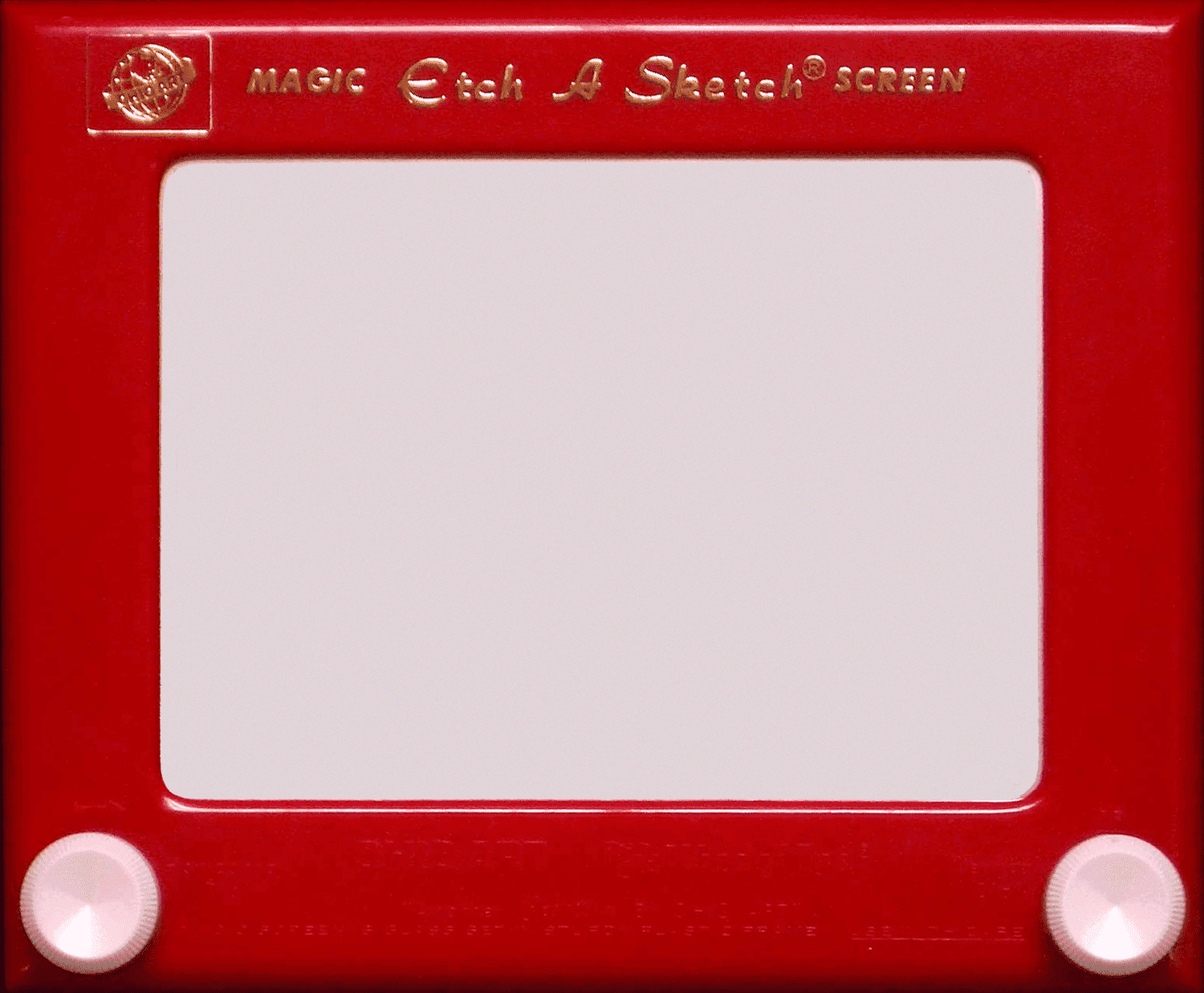
Requires access to the physical ESP32 device to provide live accelerometer data.
3.System Design
The interesting part of the system is not the canvas but the translation layer between motion and drawing. Raw accelerometer data is noisy. If you map it directly to pixels, the cursor jitters and drifts even when you think you are holding still. The browser therefore applies a deliberately conservative sensitivity constant and constrains movement within the drawing area so the line feels stable rather than chaotic.
The communication model is intentionally lightweight. WebSockets were enough. I did not need device discovery, pairing UX, or cloud infrastructure. I needed a microcontroller to send numbers to a browser quickly enough that it felt immediate. Sometimes architecture improves when you stop pretending the project is larger than it is.
Table 1. Core behaviors implemented in the prototype.
| Behavior | Implementation |
|---|---|
| Tilt to draw | Map X/Y acceleration to canvas delta movement |
| Shake to clear | Detect repeated threshold crossings within one second |
| Live connection | WebSocket stream from ESP32 to browser |
| User override | Pause and clear controls in the browser UI |
4.What Worked
The prototype produced the feeling I was after: a digital canvas controlled by motion that feels close enough to the original toy to trigger the right kind of nostalgia. The first time I showed it to someone, they immediately tried to draw their name and then shook the device so hard the battery cable came loose. I took this as a sign of success. The second person held it like a phone and couldn't figure out why it was drawing sideways, which taught me that accelerometer-based input has a learning curve I had underestimated by assuming everyone holds things the way I do.
It also surfaced the usual hardware truth: demos are easier than products. The local-network setup works because I know the IP address, know where the device is, and am willing to tolerate a little chaos. A real version would need provisioning, reconnection logic, and a better answer to the question of what happens when Wi-Fi behaves like Wi-Fi.
5.Reflection
This is why I like building with physical devices even when the final behavior could have been simulated entirely in software. The point was not to make the easiest drawing app. The point was to make a browser listen to gravity.
It is objectively funny to take one of the simplest toys ever made and rebuild it with a microcontroller, sensors, WebSockets, and a React interface. I don't think the original inventors would approve, but I think they'd recognize the joy in it. And if they shook the prototype hard enough, at least the screen would clear.